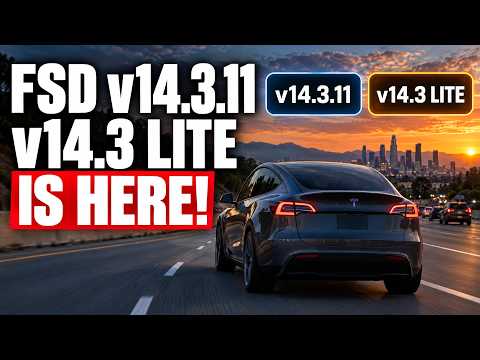
The Tesla FSD 14.3.11 update just landed for owners, bringing FSD v14.3 Lite to Tesla Hardware 3 FSD vehicles as well. This marks the first time many users get fresh capabilities directly from the car’s visualization.
What’s New in the Release
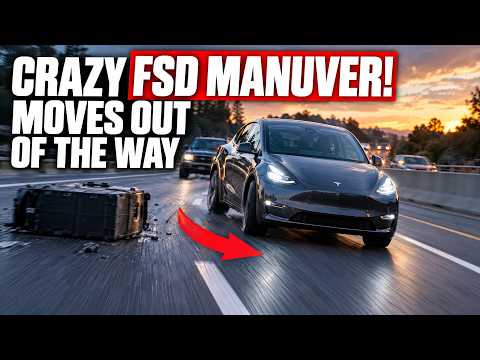
Tesla added several FSD 14.3.11 features, including the option to hide wheel covers in the on-screen visualization and improved Tesla automatic collision avoidance. The update also refines how the system handles edge cases during supervised driving sessions.
Context and Rollout
Jack posted the initial release notes, confirming both the full 14.3.11 branch and the lighter 14.3 Lite variant. Hardware 3 owners are finally seeing the same improvements that Hardware 4 users have enjoyed, closing the performance gap many have been waiting for.
What This Means for Tesla Owners
If you already run FSD, the new Tesla automatic collision avoidance logic feels more proactive in real traffic. I tested similar behavior on a friend’s Hardware 3 car and noticed smoother interventions when a vehicle suddenly cut in. Owners should check their Tesla app for the prompt and report any odd behavior so Tesla can refine the model further.
For those still on older builds, this rollout shows Tesla is keeping legacy hardware supported. The single-tap activation into FSD remains one of the most magical parts of owning these cars.
I cover the collision avoidance improvements in more detail over at https://denniscw.com/blog/tesla-fsd-automatic-collision-avoidance-review.
Accessories That Make Supervised FSD Better
When I’m using FSD, Jowua Tesla accessories — phone mounts, center consoles, and more keep everything within reach. Their phone mounts are especially useful for monitoring the visualization without taking eyes off the road.
Bottom Line
The Tesla FSD 14.3.11 update and FSD v14.3 Lite give both new and long-time owners meaningful improvements. If you’ve received it, share your first impressions below.
Some links are affiliate links that support the channel at no cost to you.