Tesla FSD v15 early access is already live for a small group of drivers while everyone else waits until the holiday update in December. If you want the new reality view visualizations, smart parking spot selection, and better pothole avoidance now, here is exactly how to improve your chances.
Why Tesla FSD v15 Early Access Matters
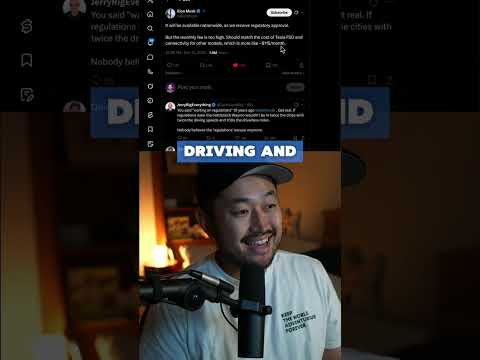
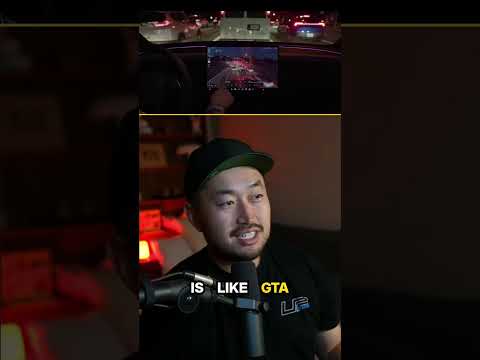
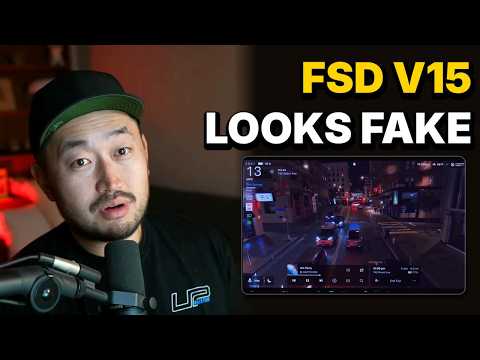
Elon Musk FSD v15 brings AI-generated video that creates a pixel-perfect world model instead of a simple game engine render. The car can now pick your exact parking spot, avoid potholes automatically, and pull straight into garages with far smoother behavior around speed bumps. These FSD v15 features make the drive feel like a video game while actually protecting your wheels and tires.
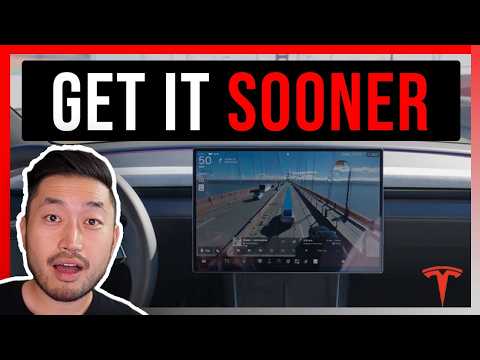
Most owners will receive the Tesla full self-driving update only in December. Early access is invite-only and currently limited to certain Hardware 4 Model Y vehicles.
Step-by-Step: How to Get FSD v15 Sooner
-
Open the Tesla app and scroll to the very bottom of the vehicle screen. Look for any banner that says “Early Access” or an enrollment option for the FSD early program.
-
In your car, go to Controls > Software and confirm Advanced mode is selected. This setting tells Tesla you want updates as soon as they are available.
-
Connect to strong Wi-Fi every night. Vehicles that stay on Wi-Fi receive priority during staggered rollouts.
-
Install any pending software update immediately. Completing the current version signals to Tesla that your car is ready for the next one.
-
Check the Tesla FSD v15 release new features post for the latest confirmation that your VIN has been added to the early access list.
If none of these options appear, you are not yet in the early access pool and will receive the wide release in December.
Pro Tips for Faster Delivery
Hardware 3 vehicles are not receiving version 15 at this time. Only Hardware 4 Model Ys have been spotted with the update so far. Model 3 and Cybertruck versions are expected later.
Keep your car plugged in and on Wi-Fi overnight. The more data your vehicle shares, the higher your chances of being selected for the next wave.
If you are still waiting, the new visualization is worth the wait. The split-view mode keeps the map on one side while showing the AI reality view on the other, exactly how many of us already drive.
For owners who spend time in garages or parking lots, the new spot-selection feature alone makes the update feel like a completely different car.
Bottom Line
Tesla FSD v15 early access is the fastest way to experience the new AI-generated visuals and smarter driving behavior. Follow the five steps above, stay on Advanced mode, and keep your car connected. If you still do not see the banner, mark your calendar for the December holiday release.
While you wait, protect your interior with 3W all-weather floor mats — 35% off with code DENNIS35. They fit Model 3, Model Y, and the new Model Y L perfectly and come with a lifetime warranty.
Some links are affiliate links that support the channel at no cost to you.